 Deepu Mohan Puthrote
· 1 min read in Hortonworks
Setting up Hortonworks Sandbox on Mac using Docker
Hortonworks provides an official Data Platform Sandbox docker image that can help you learn the Hortonworks stack. I recently setup a Hortonworks Sandbox on my macOS.
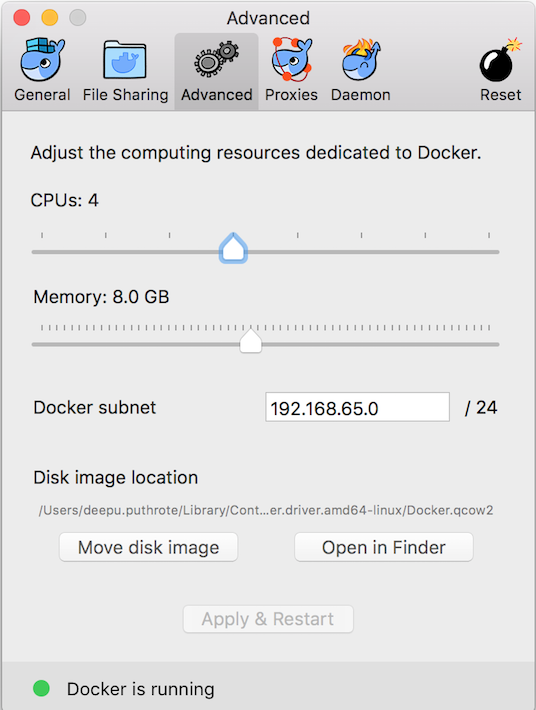
Increase Docker memory for macOS
Hortonworks Sandbox is a heavy container, with lots of components running on it. They recommend at least 8GB of RAM.
Open Docker preferences and select the Advanced tab. Increase the dedicated memory to at least 8GB of RAM or more.
Download the Hortonworks Sandbox Docker image
Download the docker image. It’s a huge one 12GB, use high bandwidth network :)
wget https://downloads-hortonworks.akamaized.net/sandbox-hdp-2.6.1/HDP_2_6_1_docker_image_28_07_2017_14_42_40.tarDownload the Hortonworks Script
wget https://raw.githubusercontent.com/hortonworks/data-tutorials/master/tutorials/hdp/sandbox-port-forwarding-guide/assets/start-sandbox-hdp.shLoad the sandbox image
docker load -i HDP_2_6_1_docker_image_28_07_2017_14_42_40.tar
This is a heavy task. Go get your coffee now because it will take some time to load the docker image.
After it is loaded you should see sandbox-hdp in your docker images list.

Update /etc/hosts file
Add the following to /etc/hosts
127.0.0.1 localhost sandbox.hortonworks.comRun the Hortonworks Sandbox startup script
chmod +x ./start-sandbox-hdp.sh./start-sandbox-hdp.sh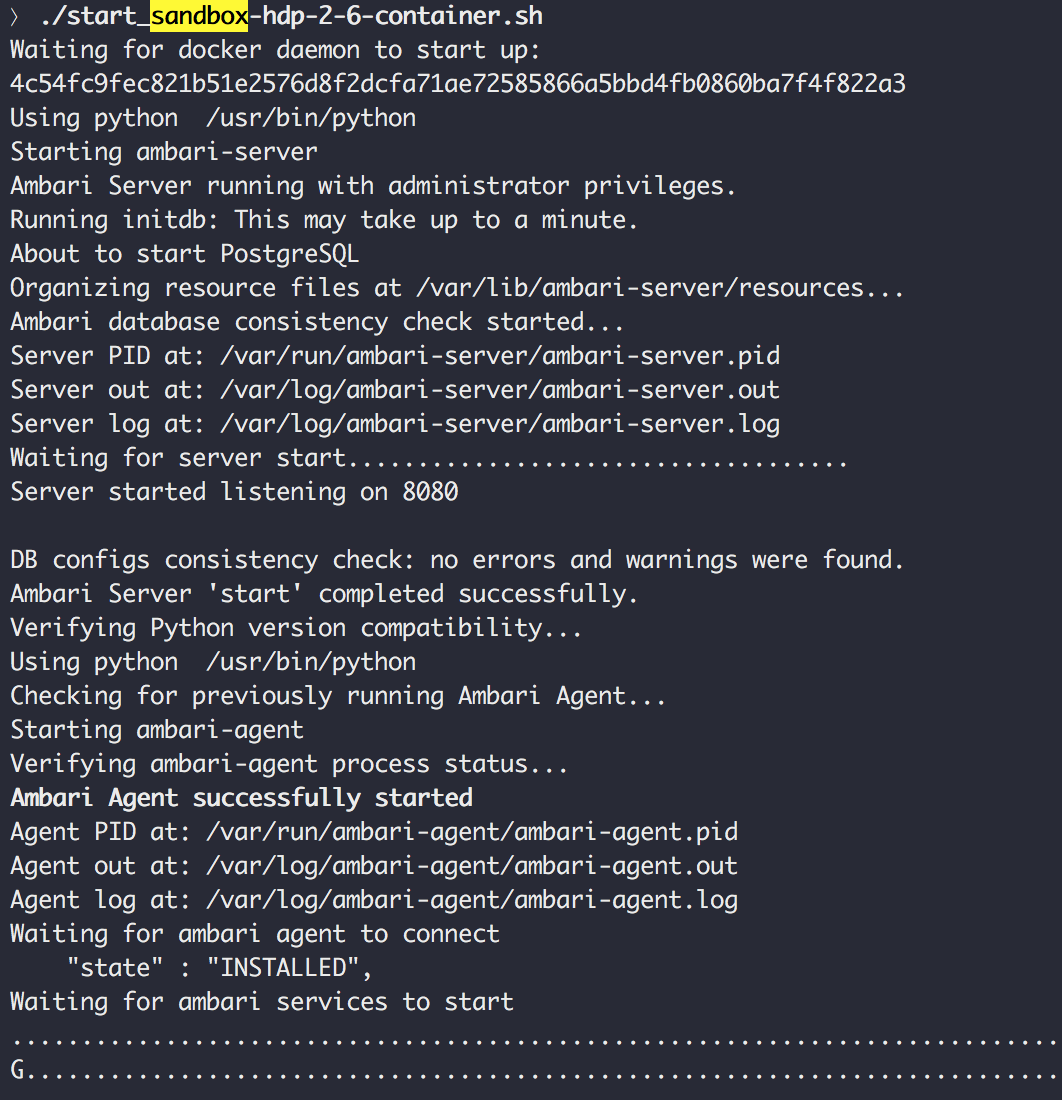
Again this will take some time… ⏲
Access Hortonworks Sandbox
Go to https://sandbox.hortonworks.com:8888/
This Sandbox comes with a lot of components like Ambari, Ranger, Hive, Spark etc. installed and configured.